Snapseed for iOS Gets Pro Camera with Manual Controls and Real-Time Film Emulation
Snapseed for iOS has introduced a major update that transforms the app from a powerful photo editor into a more complete mobile photography platform. The redesigned in-app camera, which quietly began rolling out in December, is now officially integrated into the app with a dedicated camera icon positioned in the top-right corner.
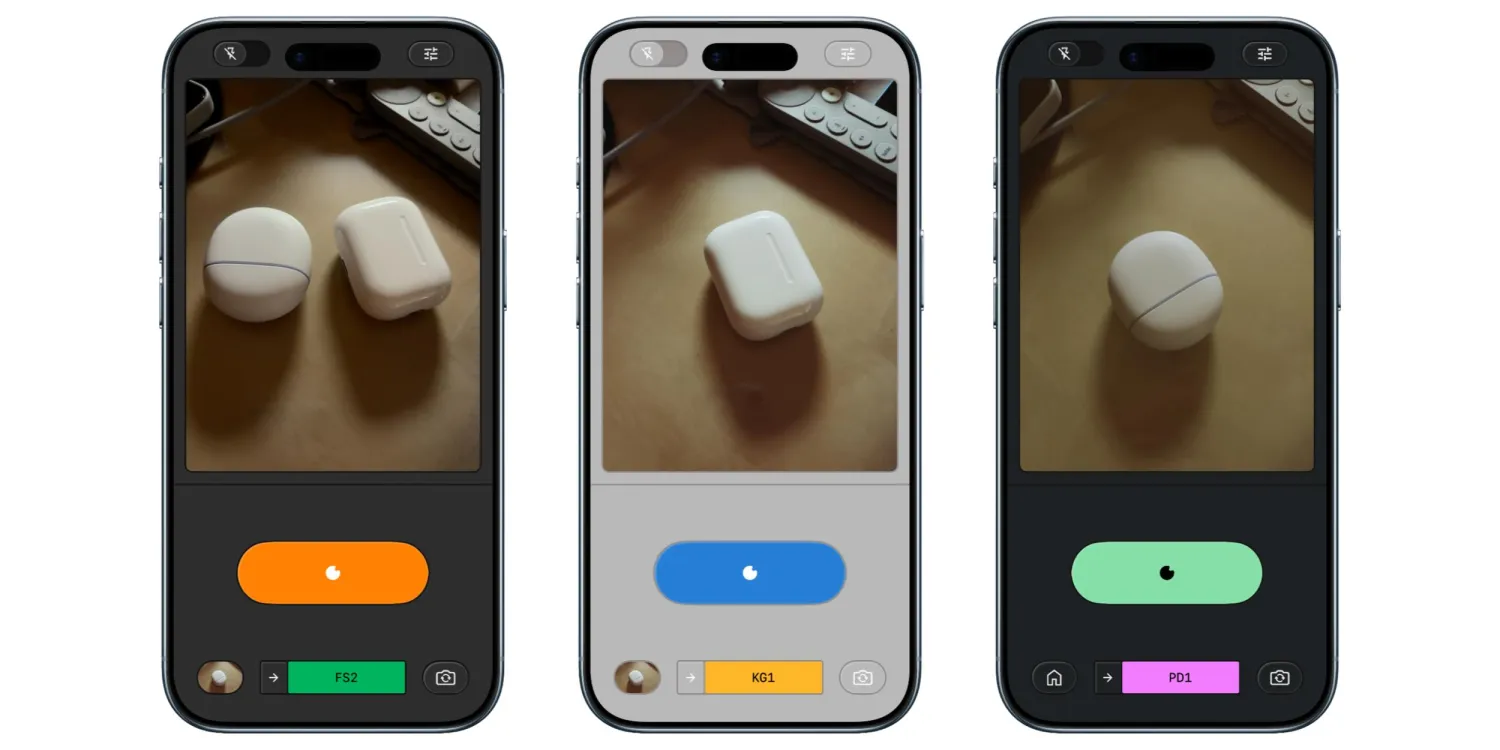
With this update, Snapseed brings advanced shooting capabilities and real-time film emulation directly into its interface.
DSLR-Style Manual Controls Arrive
The latest version introduces a new “PRO” toggle, unlocking manual camera controls for users who want greater creative flexibility. Once activated, photographers can manually adjust:
- ISO
- Shutter speed
- Focus
These controls bring Snapseed closer to the experience offered by professional camera apps, providing DSLR-style customization directly on a smartphone.


A skeuomorphic dial enables smooth transitions between Auto and manual shooting modes, enhancing usability. Flash controls have been repositioned to the bottom-left corner, while zoom controls are placed opposite for a balanced interface design. The overall layout aims to deliver depth without overwhelming users.
Real-Time Film Emulation for a Classic Look
According to 9to5Google, one of the update’s impressive features is real-time film emulation. Users can preview and capture photos in styles inspired by classic film stocks, including
- KP1: Inspired by Kodak Portra 400
- KP2: Inspired by Kodak Portra 160
- KG1: Inspired by Kodak Gold 200
- KE1: Inspired by Kodak E200
- FS1: Inspired by Fuji Superia 200
- FS2: Inspired by Fuji Superia 800
- FP1: Inspired by Fuji Pro 400h
- AG1: Inspired by Agfa Optima 200
- AS1: Inspired by Agfa Scala 200
- PD1: Inspired by Polaroid 600
- TC1: Inspired by Technicolor
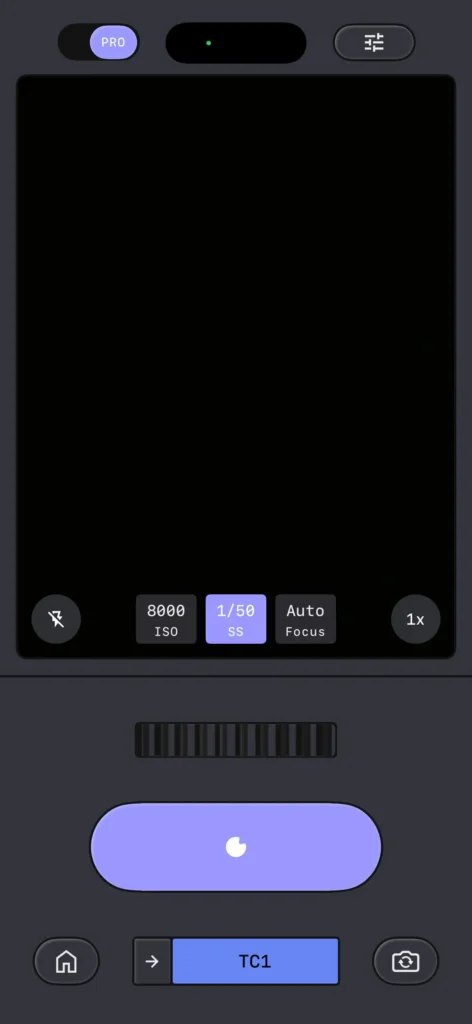
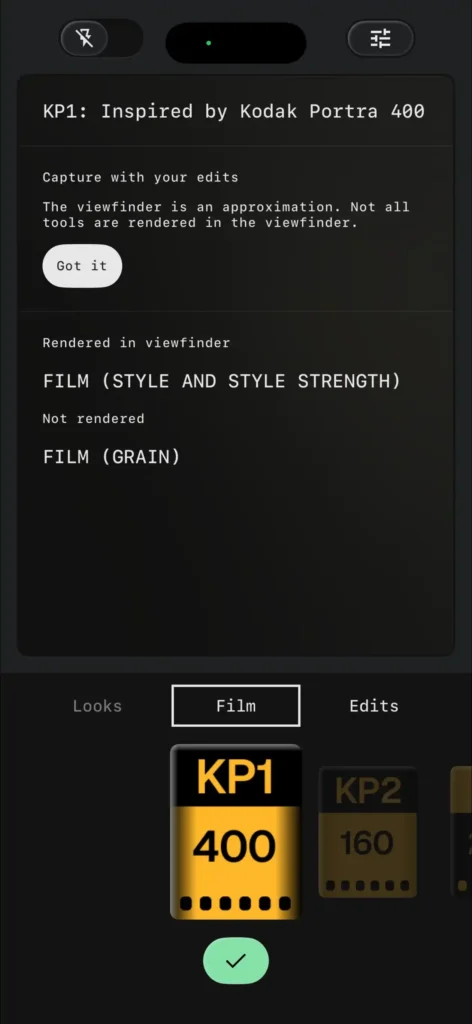

Switching between presets triggers a subtle rewind animation that reinforces the nostalgic theme.
Unlike many filter-based camera apps, Snapseed saves each photo with a complete editing stack. This means users can revisit and modify or completely change the applied look even after saving the image, without losing quality.
Custom Viewfinder Themes and Broader Rollout
The redesigned camera also introduces customizable viewfinder themes, allowing users to personalize their shooting experience. Available themes include:
- Editor
- Dusk
- Negative
- Steel
- Haze
- Depth
Snapseed version 3.15.0 is now available on the iOS App Store and remains completely free to download. Google has confirmed that the updated camera and editor experience will also roll out to Android devices in the future.
A Step Toward a Complete Mobile Photography Tool
With manual controls, film emulation presets, and enhanced customization options, Snapseed is positioning itself as more than just a post-processing app. The addition of a professional-style camera interface makes it a stronger competitor in the mobile photography space, especially for users seeking greater creative control without switching between multiple apps.